| configs | ||
| deploy | ||
| element-desktop@49a4a41a1b | ||
| element-web@a92f68d167 | ||
| i18n-helper | ||
| i18n-overlays | ||
| local-pkgbuild-template | ||
| matrix-js-sdk@9faf86220b | ||
| matrix-react-sdk@c7ea457e90 | ||
| nix | ||
| screenshots | ||
| .gitignore | ||
| .gitmodules | ||
| alternative_package.sh | ||
| build-bom.sh | ||
| bump_release_version.sh | ||
| bump_test_version.sh | ||
| create_local_pkgbuild.sh | ||
| flake.lock | ||
| flake.nix | ||
| LICENSE | ||
| Makefile | ||
| merge_helpers.sh | ||
| merge_upstream.sh | ||
| publish_release.sh | ||
| README.md | ||
| regenerate_i18n.sh | ||
| setup.sh | ||
| windowsportable.sh | ||

SchildiChat Web/Desktop
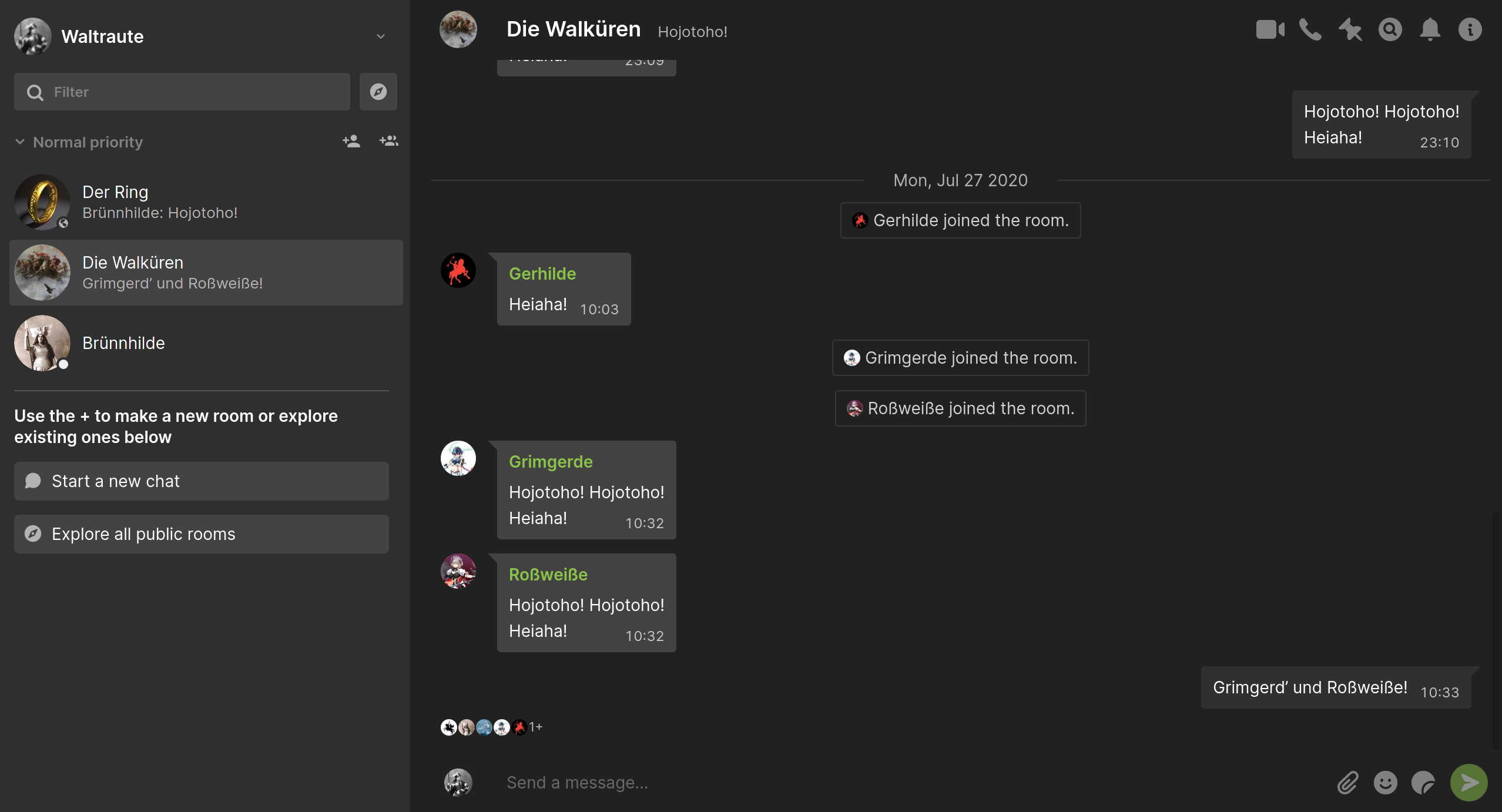
SchildiChat Web/Desktop is a fork of Element Web/Desktop.
The most important changes of SchildiChat Web/Desktop compared to Element Web/Desktop are:
- A unified chat list for both direct and group chats
- Message bubbles
- Bigger items in the room list
- … and more!
Desktop downloads with installation instructions are listed on our website: https://schildi.chat/desktop
Hosted web variant: https://app.schildi.chat/
Feel free to join the discussion on matrix.
Public key used to sign the Debian packages
pub   rsa4096 2020-12-08 [SC]
      560BB70DA86A6633A39CEC6023358905FE294D01
uid           Super apt repo key <apt@supercable.onl>
sub   rsa4096 2020-12-08 [E]
Building SchildiChat Web/Desktop
This particular repo is a wrapper project for element-desktop, element-web, matrix-react-sdk and matrix-js-sdk. It's the recommended starting point to build SchildiChat for Web and Desktop.
The master branch contains the latest release.
Development happens in the sc branch, which might be broken at any time!
schildichat-desktop <-- this repo (recommended starting point to build SchildiChat for Web and Desktop)
|-- element-desktop (electron wrapper)
|-- element-web ("skin" for matrix-react-sdk)
|-- matrix-react-sdk (most of the development happens here)
`-- matrix-js-sdk (Matrix client js sdk)
Install dependencies
Debian build dependencies
Since Debian is usually slow to update packages on its stable releases,
some dependencies might not be recent enough to build SchildiChat.
The following are the dependencies required to build SchildiChat Web/Desktop on Debian 11 (bullseye):
# apt install vim curl git make gcc g++ python jq libsqlcipher-dev pkg-config libsecret-1-dev libarchive-tools

# curl -sL https://deb.nodesource.com/setup_14.x | bash -
# apt update
# apt install nodejs

# curl -sS https://dl.yarnpkg.com/debian/pubkey.gpg | apt-key add -
# echo "deb https://dl.yarnpkg.com/debian/ stable main" | tee /etc/apt/sources.list.d/yarn.list
# apt update
# apt install yarn

$ curl --proto '=https' --tlsv1.2 -sSf https://sh.rustup.rs | sh
$ echo 'export PATH="$PATH:$HOME/.cargo/bin"' >> .bashrc
$ source .bashrc
macOS build dependencies
Install brew package manager
/bin/bash -c "$(curl -fsSL https://raw.githubusercontent.com/Homebrew/install/HEAD/install.sh)"
Install packages
brew install tcl rust node gpg vim curl git yarn git make gcc
Signed macOS builds
To sign a macOS build set the environment or make variable CSC_IDENTITY_AUTO_DISCOVERY to true
or set CSC_NAME to your certificate name or id.
To notarize a build with Apple set NOTARIZE_APPLE_ID to your AppleID and set the keychain item
NOTARIZE_CREDS to an App specific AppleID password.
Initial setup
As already noted above, master contains the latest release and sc is the development branch!
git clone -b master --recurse-submodules https://github.com/SchildiChat/schildichat-desktop.git
cd schildichat-desktop
make setup # optional step if using the other make targets
Create release builds
# The single make targets are explained below
make {web|debian|windows-setup|windows-portable|macos|...}-release
After that these packages which belong to their respective make target should appear in release/<version>/.
Builds distributed via GitHub releases
web: schildichat-web-<version>.tar.gz: Archive that can be unpacked and served by a web server (copyconfig.sample.jsontoconfig.jsonand adjust the configuration to your likings)debian: File ready for installation on a Debian Linux (based) system viadpkg -i schildichat-desktop_<version>_amd64.debwindows-setup: SchildiChat_Setup_v<version>.exe: File ready for installation on a Windows systemwindows-portable: SchildiChat_win-portable_v<version>.zip: Portable version for a Windows system – take SchildiChat together with your login data around with you (the archive contains a readme with instructions and notes)macos: Build a *.dmg for macOS
Additional {...}-release targets not used for GitHub releases
pacman: File ready for installation on an Arch Linux (based) system viapacman -U schildichat-desktop-<version>.pacmanrpm: Build a *.rpm for Linuxwindows-unpacked: SchildiChat_win-unpacked_v<version>.zip: unpacked archive for a Windows systemmacos-mas: Build a *.pkg for release in the Mac App Store
Build SchildiChat Web and deploy it directly to your web server
Put the config.json with the configuration you want for your hosted instance in a subfolder of the configs folder.
Then create a file named release.mk and fill it similar to that:
.PHONY: your-deploy-web

YOUR_CFGDIR := configs/your_subfolder
your-deploy-%: CFGDIR := $(YOUR_CFGDIR)

your-deploy-web: web
	rsync --info=progress2 -rup --del element-web/webapp/ you@yourwebserver:/the/folder/served/for/schildi/